01 introduction
How a systematic UX audit, a ground-up design system, and a two-view meal planning architecture transformed a fragmented subscription app. The redesign reduced cognitive load, improved planning efficiency, and built a scalable design foundation in four months as the sole designer.
Category
Product Design
Client
under nda
Year
2025
Services
Design System
Meal Planning
Onboarding
02 Problem Audit
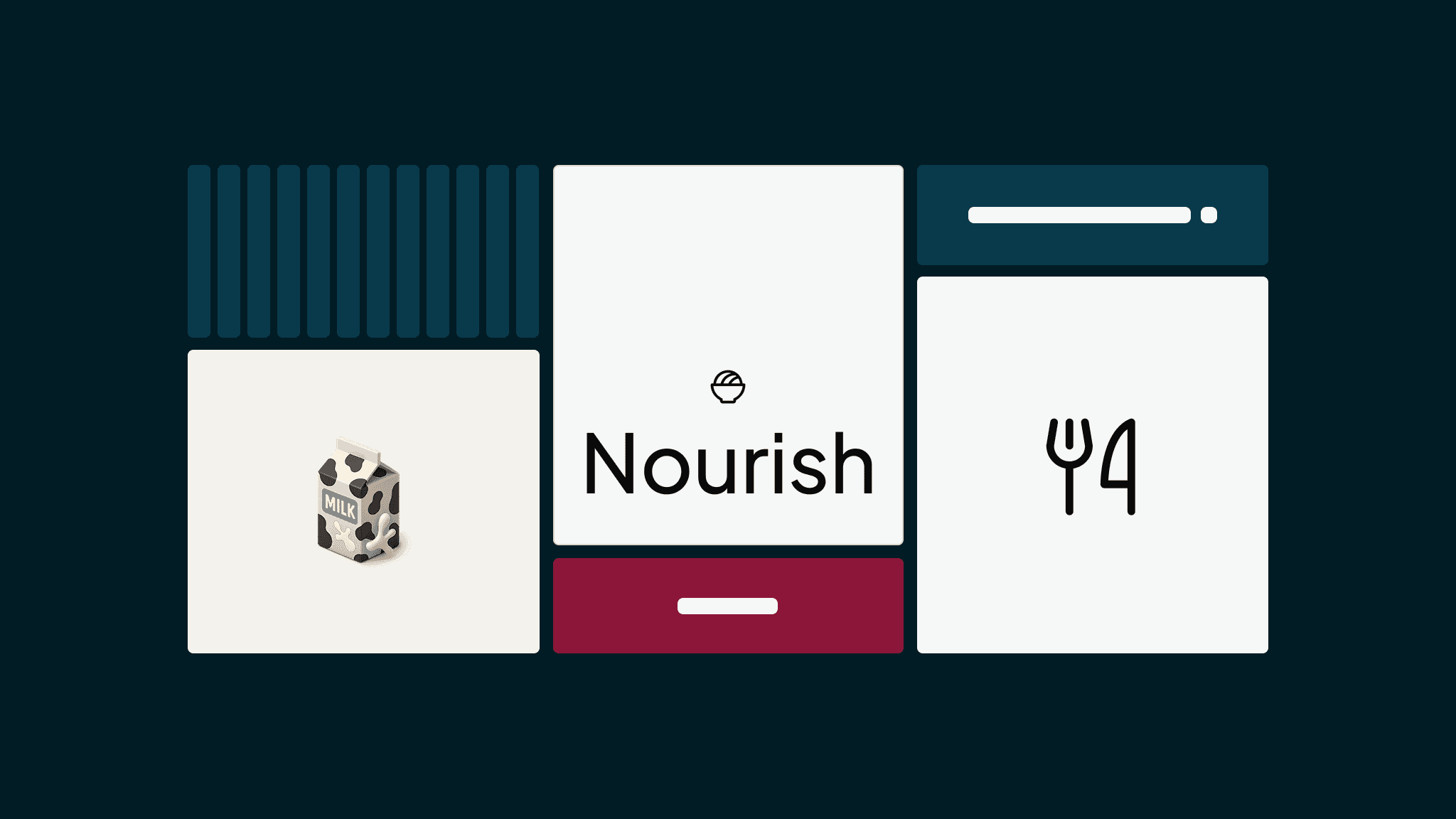
Nourish delivers chef-prepared meals daily, rotates through 2,000+ dishes, and integrates with smartwatches for nutritional tracking. A premium service at real scale, but the app's information architecture, visual hierarchy, and interaction patterns hadn't kept pace with the product's ambition.
Without formal design ownership, multiple contributors had introduced patterns drawn from different competitors, each optimizing for individual screens rather than the system as a whole. The accumulation created inconsistent typographic hierarchies, conflicting color usage, and navigation logic that shifted between flows. Screens that should have felt connected instead created cognitive friction, forcing users to relearn the interface at every turn.
The most critical gap was in the planning experience itself. Users could only view a single day's meals, a fundamental constraint for a weekly subscription service built around dietary variety and nutritional balance. A paper prototype study confirmed the impact: when customers could see their full week laid out together, both engagement and confidence in meal selections increased measurably.
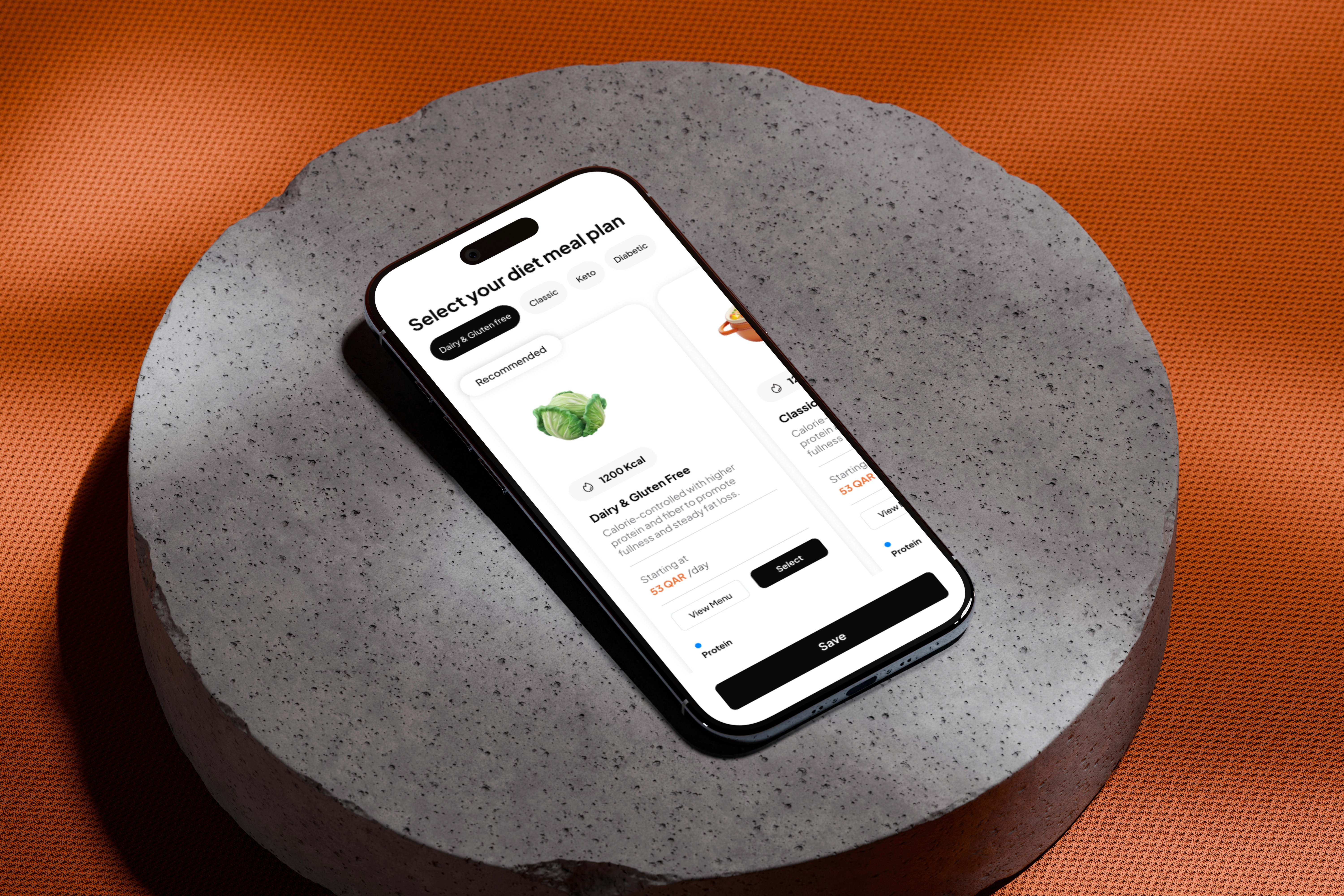
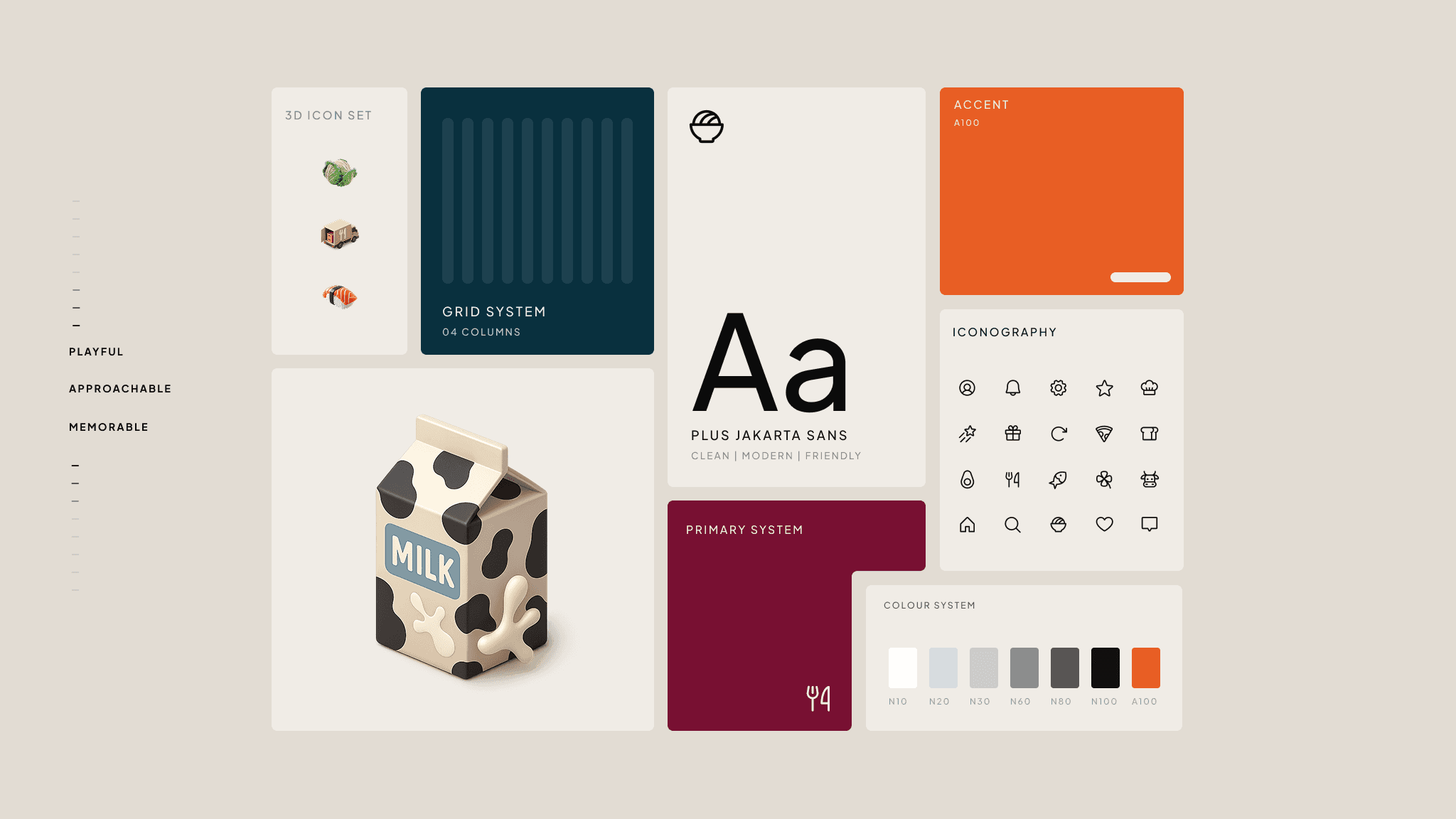
The first step was a full UX audit of every screen, annotating hierarchy gaps, spacing inconsistencies, and navigation friction across each flow. From that audit came the foundational decisions: a typographic scale, a color system, button variants, spacing rules, and a consistent interaction vocabulary.
the structural gaps
No typographic scale. No component library. No shared interaction patterns connecting thirty-plus screens.
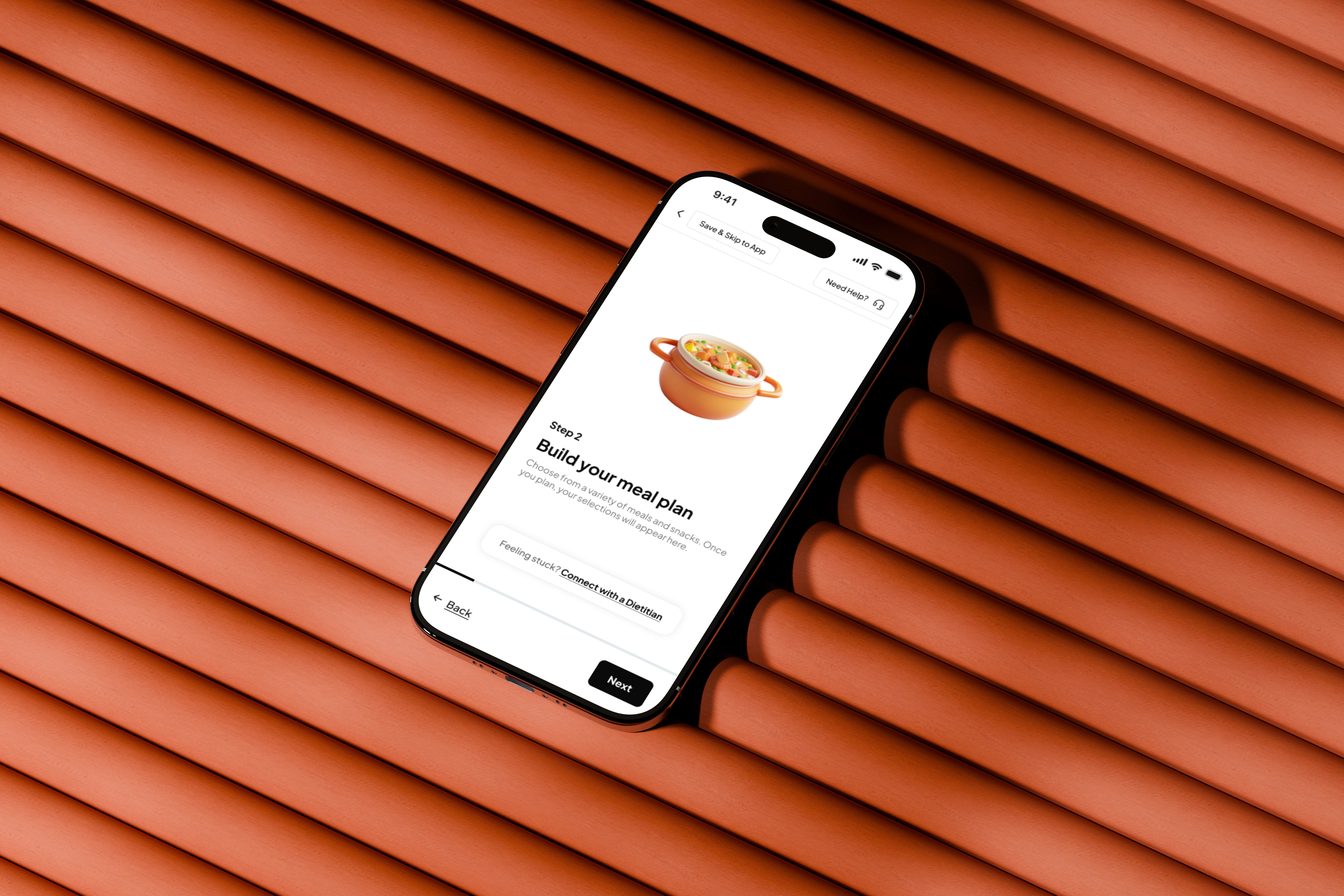
The meal planning system was the core intervention. Two views, each mapped to a distinct user behavior and planning horizon:
daily
“What am I eating right now?”
Macro overview with visual progress bars, delivery details, and large meal cards with one-tap swapping. Built to reduce decision friction for today.
weekly
“What does my whole week look like?”
Collapsible day sections with compact cards and week-level navigation. This view solved the original visibility problem and drove engagement in early prototype testing.

and honestly...it's so much more than this

brand perception
Stakeholder perception shifted from fragmented and unfinished to cohesive, premium, and structurally sound.
checkout flow
Simplified to three core steps.
design system
A complete design system with typography, color, button variants, spacing, and icons now ensures visual consistency and reduces design-to-development friction across every feature.
feature discovery
Gift a Meal moved from a buried sub-menu to a prominent position in the navigation, and saw meaningful engagement growth.
user actions
Stronger action hierarchy and less visual noise.

I took on a scope that called for a larger team: design system, three planning views, onboarding, checkout, and retention. I shipped it, but would phase more deliberately next time, establishing the system and one core flow before expanding. The deeper lesson was not about components or wireframes. Working as the sole designer with a CEO whose priorities evolved quickly, I learned that the most essential design skill is knowing what to build next and having the clarity to defer what isn't ready yet.